



Whitevision Spend
One solution for all your business expenses
Can you relate to this challenge?
People on-site know best what they need, and it’s convenient and efficient when they can handle that themselves. The downside: the more locations and colleagues making these purchases, the harder it is to keep track of everything. Before you know it, you’re spending most of your time collecting and sorting through data instead of managing it.
- Processing expense claims and minor expenses takes a lot of time;
- Invoices from suppliers, self-employed people or temporary workers are not always correct;
- Credit notes and adjustments delay payments;
- It is difficult to ensure that suppliers comply with agreements;
- Finance departments spend a lot of time on audits;
- Managers lack real-time insight into budgets and current costs.
Modules in Spend

Smart payments with the Spend card
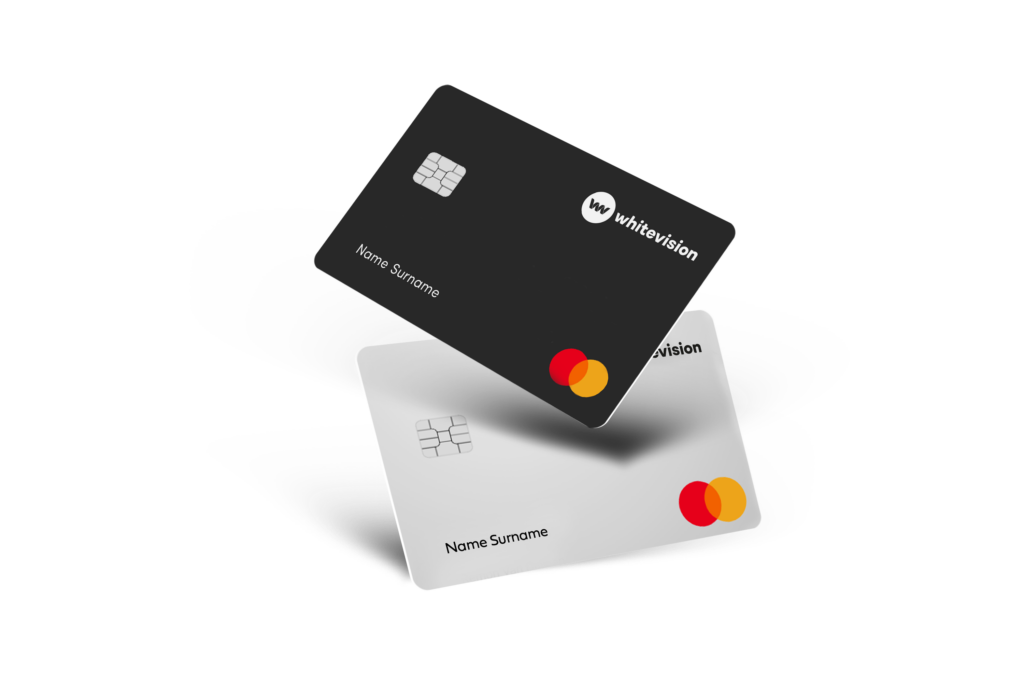
With the Spend Card, employees can make business expenses securely and easily using a physical or virtual payment card. All transactions are automatically linked to the accounts, including receipt recognition and booking suggestions.
Receipts are submitted via the app and automatically recognised by AI. The date, amount and cost type are processed immediately and linked to the correct cost centre or department in the ERP system.
This eliminates the need for manual expense claims and gives you real-time insight into all expenditure by employee, project or department.
Error-free invoices with Selfbilling
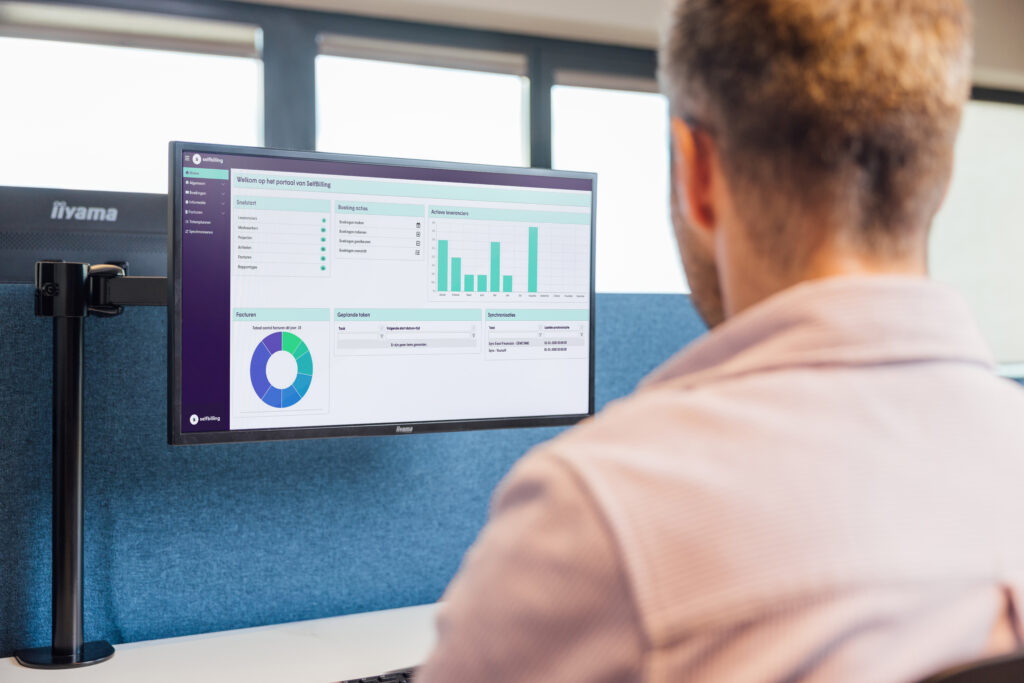
With Selfbilling, you turn the traditional invoicing process for PNIL on its head. Instead of checking invoices retrospectively, you first approve hours and costs. The system then automatically generates the correct invoice on behalf of the supplier or self-employed person.
This prevents errors, credit notes and delays in payments. Self-billing is ideal for organisations that work with freelancers, intermediaries, temporary staff or other flexible workers.
All data is automatically processed in ERP, HR or accounting systems, making your admin work considerably easier.
Processing expense claims in a single streamlined process
With the expense claim app, employees can easily submit their expenses via their smartphone. By taking a photo of a receipt, the claim is automatically recognised and processed as an entry in the accounts.
The system supports various document formats, such as PDFs, digital receipts and photos of paper receipts. AI recognises the data and automatically generates a processing proposal.
Thanks to flexible workflows, expense claims are sent directly to the appropriate approver, making the process faster and more transparent.
Frequently Asked Questions
Can I pay with my cell phone?
In addition to physical cards, you can also use virtual cards. You can easily add virtual cards to your Apple Wallet (Apple Pay) or Google Wallet (Google Pay). This allows you to make mobile payments directly using your own device.
How does selfbilling save time?
Because invoices are automatically generated based on approved hours and costs, manual checks and corrections are no longer necessary. Organizations can save up to 60% of the time spent on their invoicing process.
How does expense report processing work with Whitevision?
- Scan or import: Employees scan their receipts using the Whitevision Smartphone App.
- Automatic recognition: Smart technology scans the receipt and automatically fills out the expense report.
- Submit & approve: The expense report is forwarded to the manager or budget administrator for approval.
- Automated processing: Once approved, the expense report is processed as an invoice in the financial system.
My question is not there, what is the best thing to do?
Fill in the contact form and we will answer your question as soon as possible. Are you already a Whitevision customer? Then go to the customer portal for more information.
Comprehensive expense management in 4 steps
Register
Employees can easily record expenses, reimbursements, hours, or deliveries digitally.
Check
The system automatically checks pricing agreements, limits, and workflows.
Process
Expenses are automatically recorded and linked to the appropriate account.
Insight
Real-time dashboards provide an immediate overview of costs and budgets.
In good company

Zuijl en Weerd

GWS dé schoonmaker

Hendriks groep

Hurks

Van Markus Autoschade

Vlasman

Van Wanrooij

Heras Mobile Fencing

Winters bouw ontwikkeling

Witte Bouw

Veiligheidsregio Gelderland-Zuid

Safety Group

Roozen van Hoppe Groep

Trebbe

Groenen Groep

Van der Weegen Bouwgroep

Van Dillen Bouwgroep

Raedts

MOBIX

Gebrs. Kurvers Wegenbouw

Mansveld

PALI Group

Prohles

Landelijke Huisartsen Vereniging

LenGo

NEOS

NVD Beveiligingsgroep

Franssen Franken

Effektief

Dura Vermeer

Gebroeders Pol BV

Kesselaar ZN

Jacobus Fruytier scholengemeenschap

ETB van Keulen

Keus Schoonmaak en Diensten

Cnossen Infra

De Zellingen

Eneco eMobility

Feenstra en van Goor

Braspenning

YoungCapital

Aalberts

Automotions
Aveco de Bondt

Barli

BasisBuren

Bibliotheken

Blankers Schoon

Eurotransplant

De Nijs

AC Borst Bouw

Jansen & De Wit

Zusterz

Want to know more?
The future of expense management starts here. Centralise payments, expense claims and invoicing in a single smart solution.


